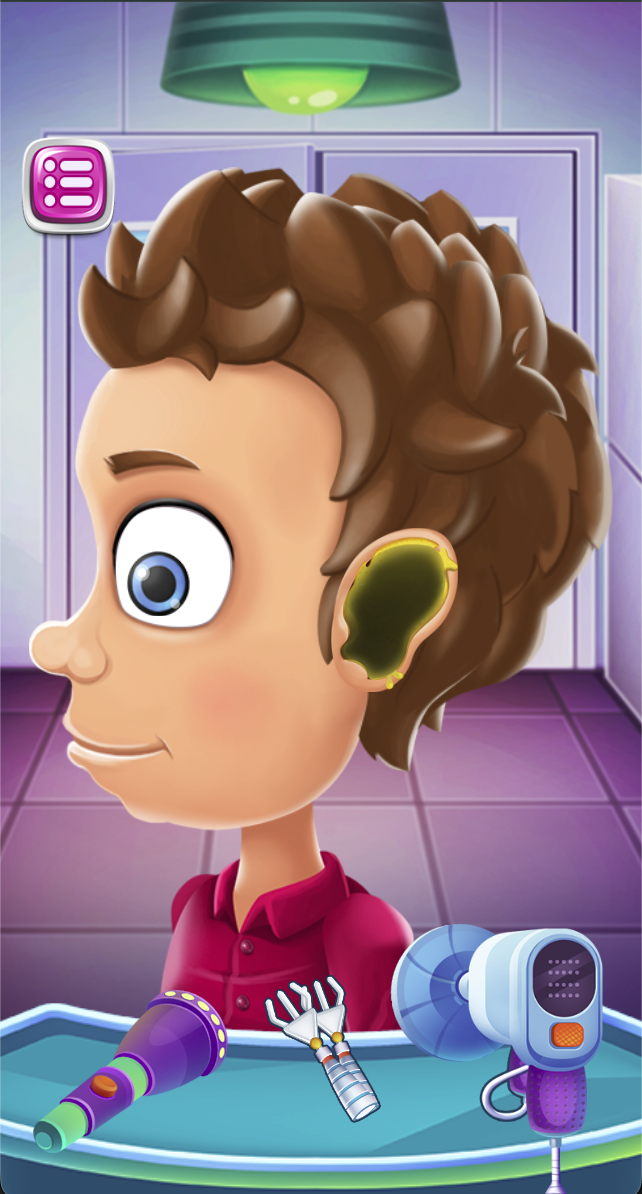
Open a patient’s examination scene and inspect the tools on the tray.
Select the tool indicated by the current game prompt and apply it to the highlighted or indicated target.
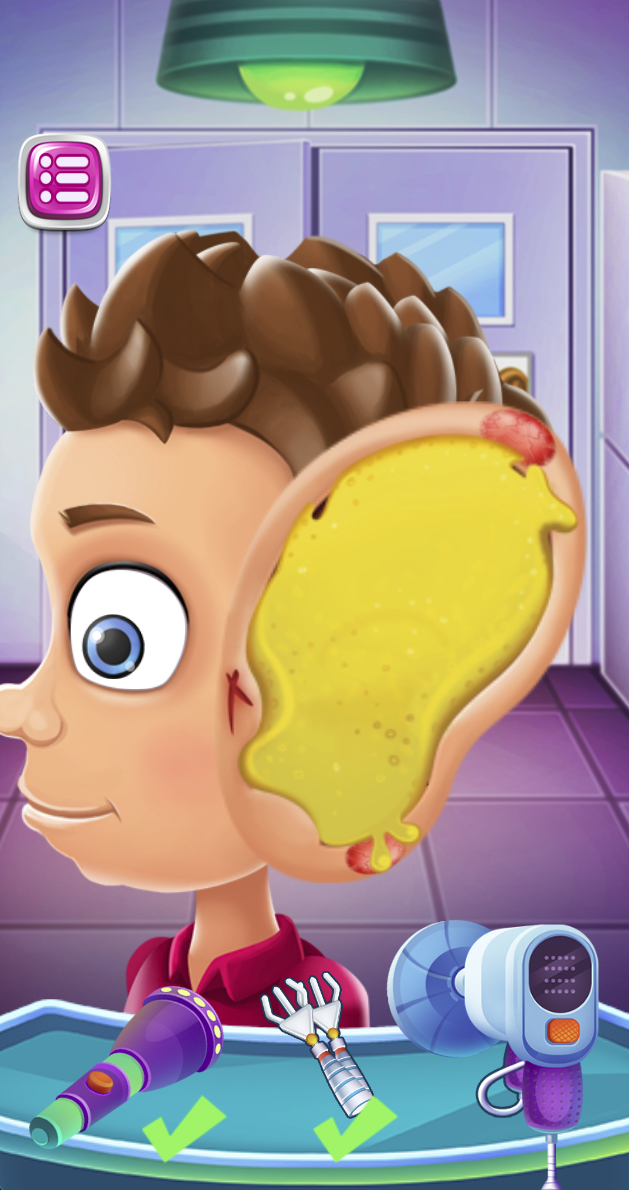
Watch for green check marks under tools as steps are completed.
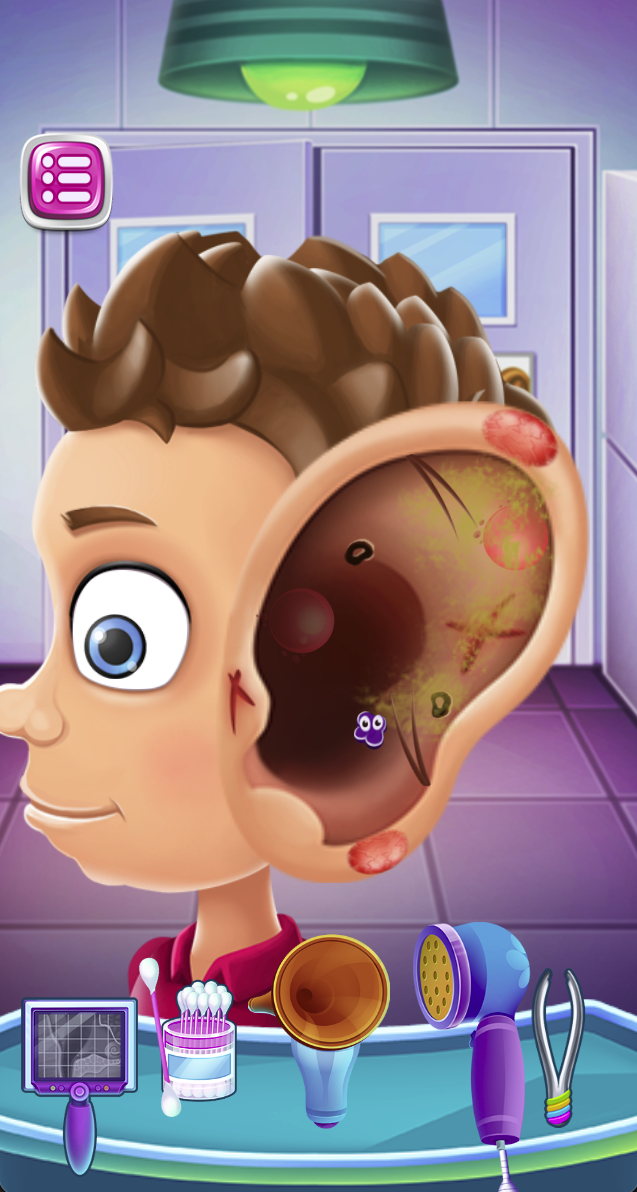
When the ear view or tool tray changes, inspect the new targets and follow the next prompt.
Tool and Progress Tips
The sequence moves from the patient’s outer-ear view to a magnified view and then an inner-ear scene. The initial tray has three tools, while the later stage presents a different selection. Finish the current task and check its completion indicator before switching tools.
A green check mark is a useful progress cue. If a step seems unfinished, compare the current target with the tool prompt instead of repeating actions on an already completed area.
Gameplay FAQ
Why did the available tools change?
The screenshots show different trays at different stages. Treat the new tray as a new set of game tasks and inspect the current scene again.
Do I need to use every tool repeatedly?
The captured second screen marks two tools with green checks. Use the game’s current prompt and completion marks to decide what remains.
Screenshots & Strategies
Real browser captures · October 21, 2026
Begin with the patient and the three tools on the tray. Follow the current in-game prompt instead of assuming every tool is used in the same way.Green check marks beneath two tools indicate completed steps in this captured stage. Check the remaining tool and the current ear view before continuing.A later stage reveals the inner-ear scene and a different set of tools. Reassess the visible targets after the tray changes rather than repeating the previous action.